
Export To FHIR Server
Configure a FHIR Server destination and monitor delivery from the dashboard.
FHIR Server export pushes records from Medblocks to a destination FHIR R4 server. Use it when another system expects FHIR resources instead of bucket files.
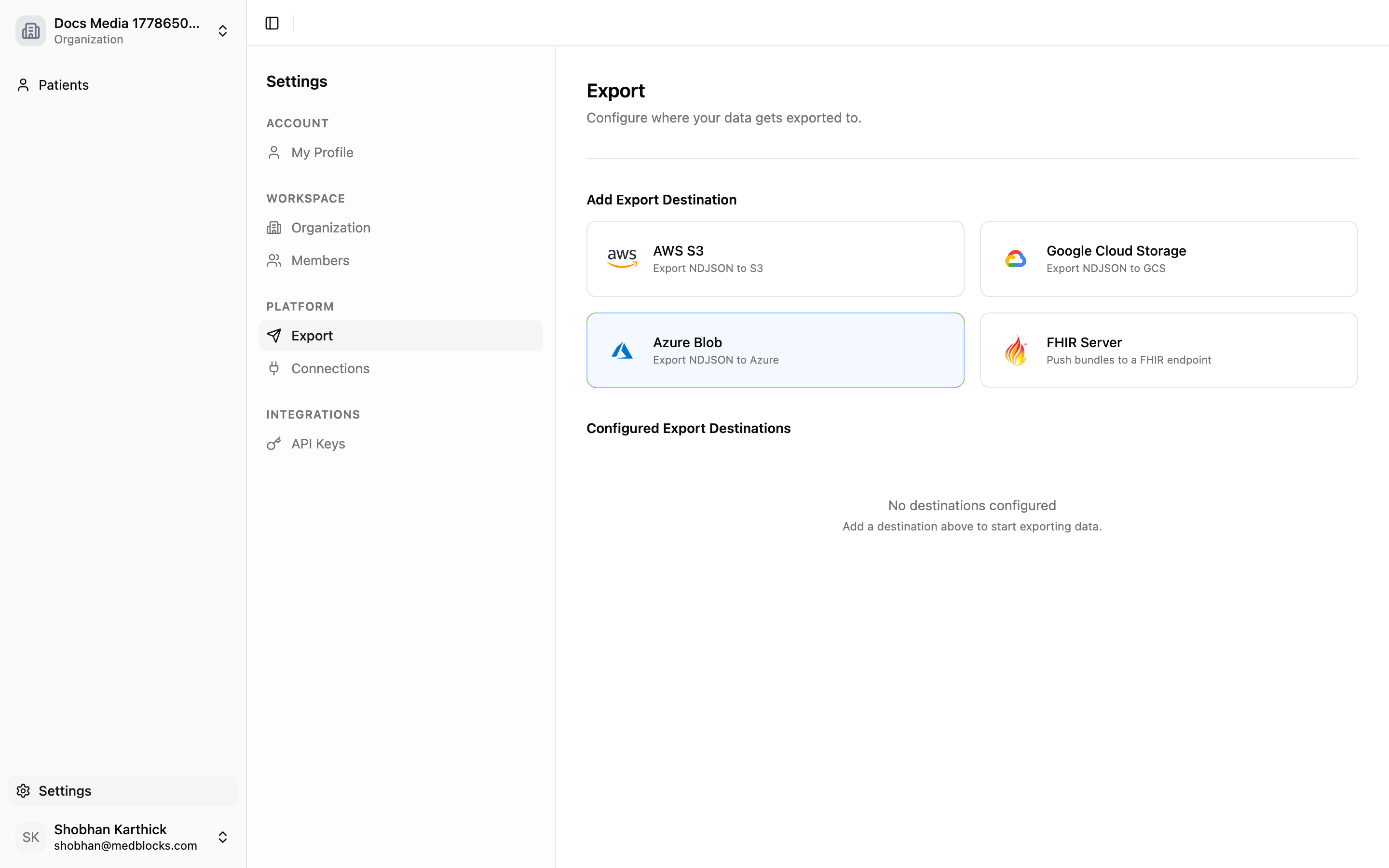
Add A FHIR Server Destination
Click Add FHIR Server. Choose an internal test server or a custom FHIR server.
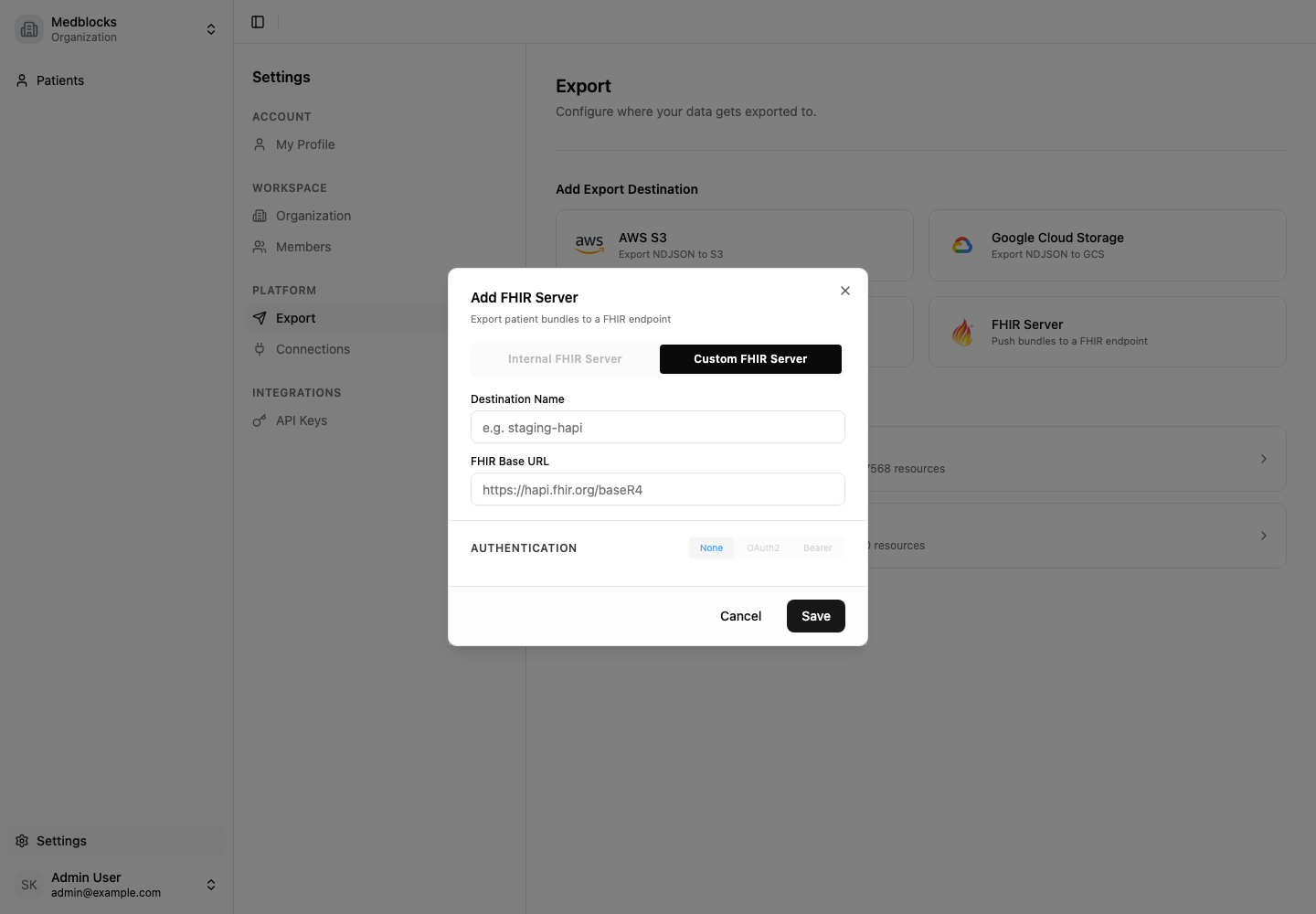
For a custom server, enter:
- Destination name.
- FHIR base URL.
- Auth type.
- Token endpoint, client ID, client secret, and optional scope for OAuth 2.0 client credentials.
- Bearer token if using bearer token auth.
Medblocks tests the connection before saving.
Save And Backfill
After the destination is saved, Medblocks starts an initial export for that destination. This backfills current data.
Later patient pulls trigger delta exports.
Monitor Runs
Open the destination detail page to see run history, progress, completion time, resource counts, and errors.
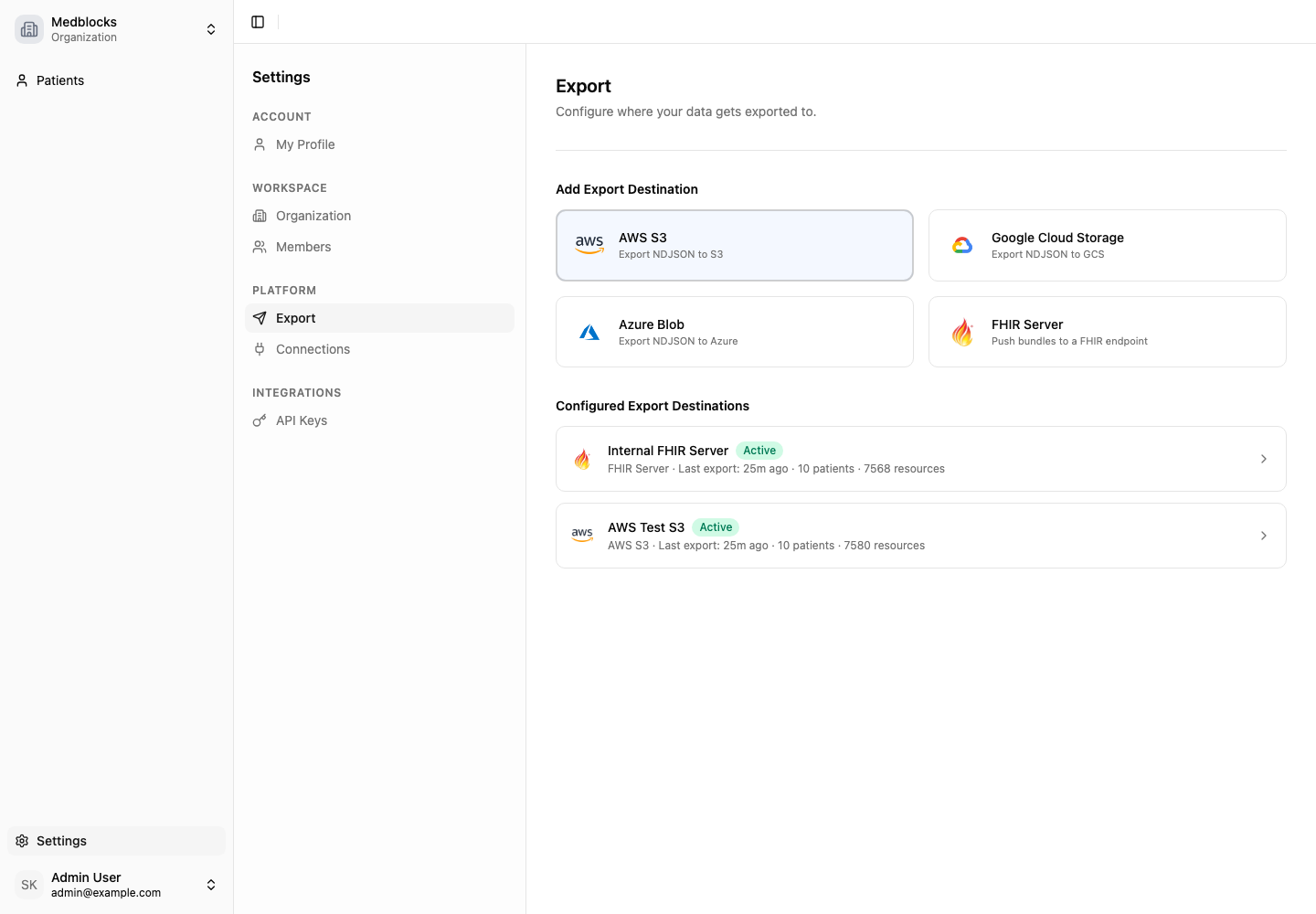
If a run fails, inspect the error and retry when the destination is ready.
Delivery Notes
- FHIR Server exports are destination-specific.
- One failed destination does not block other destinations.
- Disabled destinations are skipped.
- Reactivating a destination catches up from its saved watermark.
Related Guides
- Read Export for the shared model.
- Read Export To S3 if your downstream system expects files.