
Export To S3
Configure an S3-compatible object storage destination and monitor file delivery.
S3 export writes files to object storage for warehouse, lakehouse, or downstream batch ingestion. The destination form also supports S3-compatible storage targets.
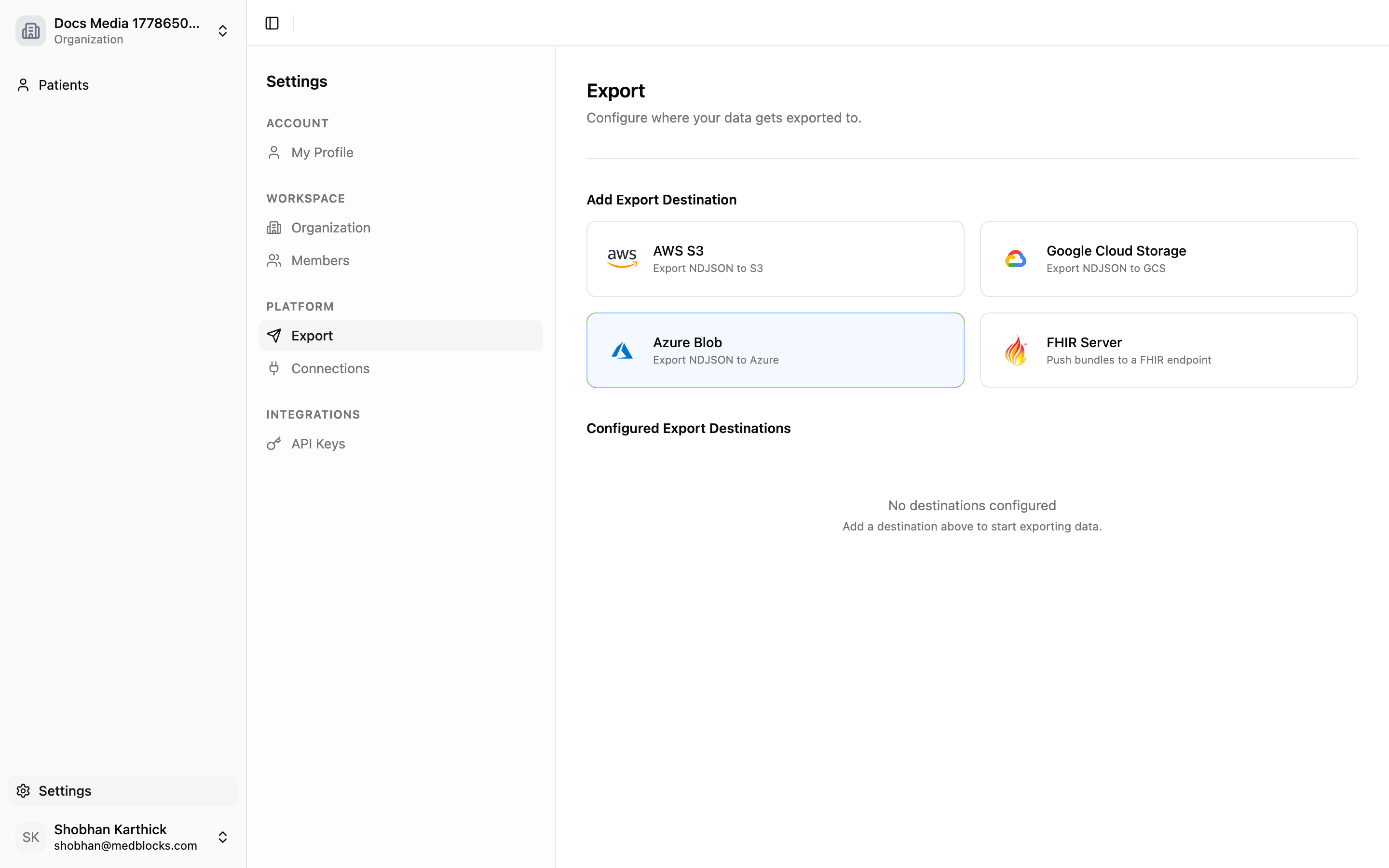
Add Object Storage
Click Add Object Storage and choose AWS or an S3-compatible target.
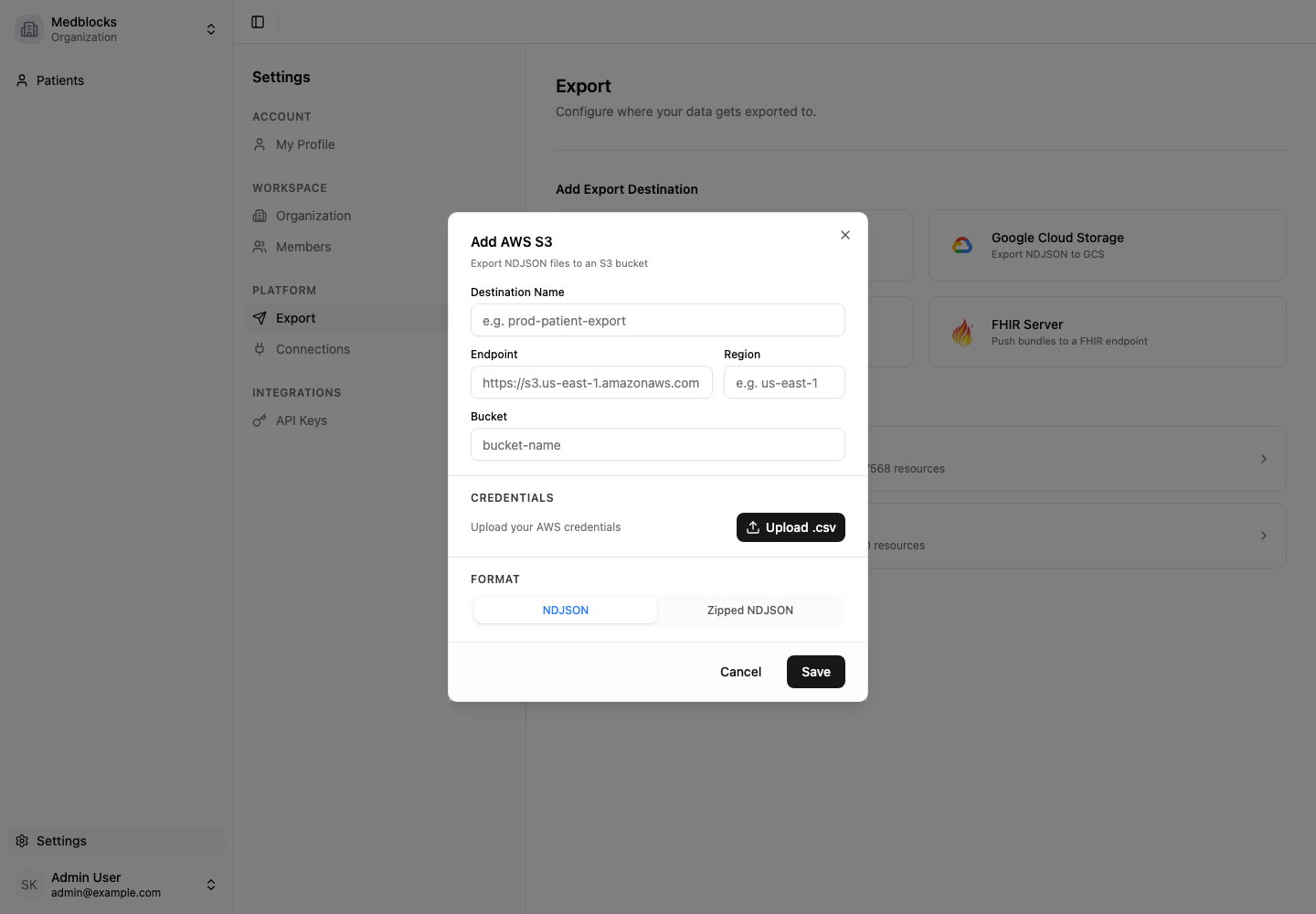
Enter:
- Destination name.
- Endpoint.
- Region.
- Bucket.
- Access key ID.
- Secret access key.
- File type: NDJSON or zipped NDJSON.
Medblocks tests the bucket connection before saving.
File Format
For NDJSON, each line is one FHIR resource JSON object.
{"resourceType":"Patient","id":"example-patient"}
{"resourceType":"Observation","id":"example-observation","status":"final"}
Downstream systems can stream these files into a warehouse without parsing a large JSON array.
Backfill And Deltas
When a destination is first added, Medblocks exports existing data. Later pulls send new data based on the destination watermark.
If a run is partial, retry only the failed work from the dashboard.
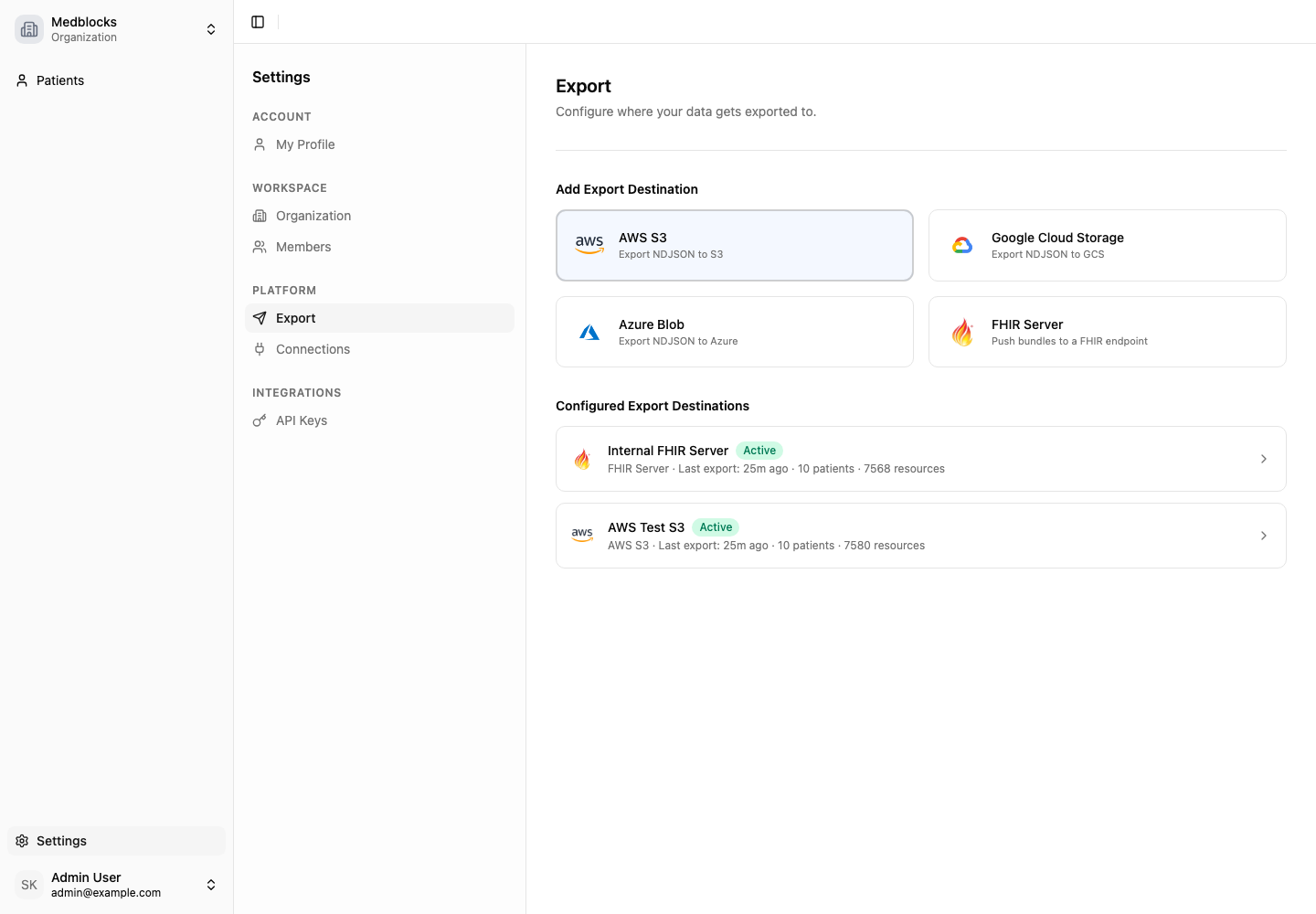
Operational Notes
- Rotate storage credentials from your cloud provider and update the destination.
- Disable a destination when you want to pause delivery without deleting history.
- Use retry after fixing bucket permissions, auth, or network errors.
Related Guides
- Read Export for the shared model.
- Read Background Pull for the upstream retrieval step.