
Export
How patient data leaves Medblocks: Background Pull, FHIR Server export, S3 object storage, retries, and monitoring.
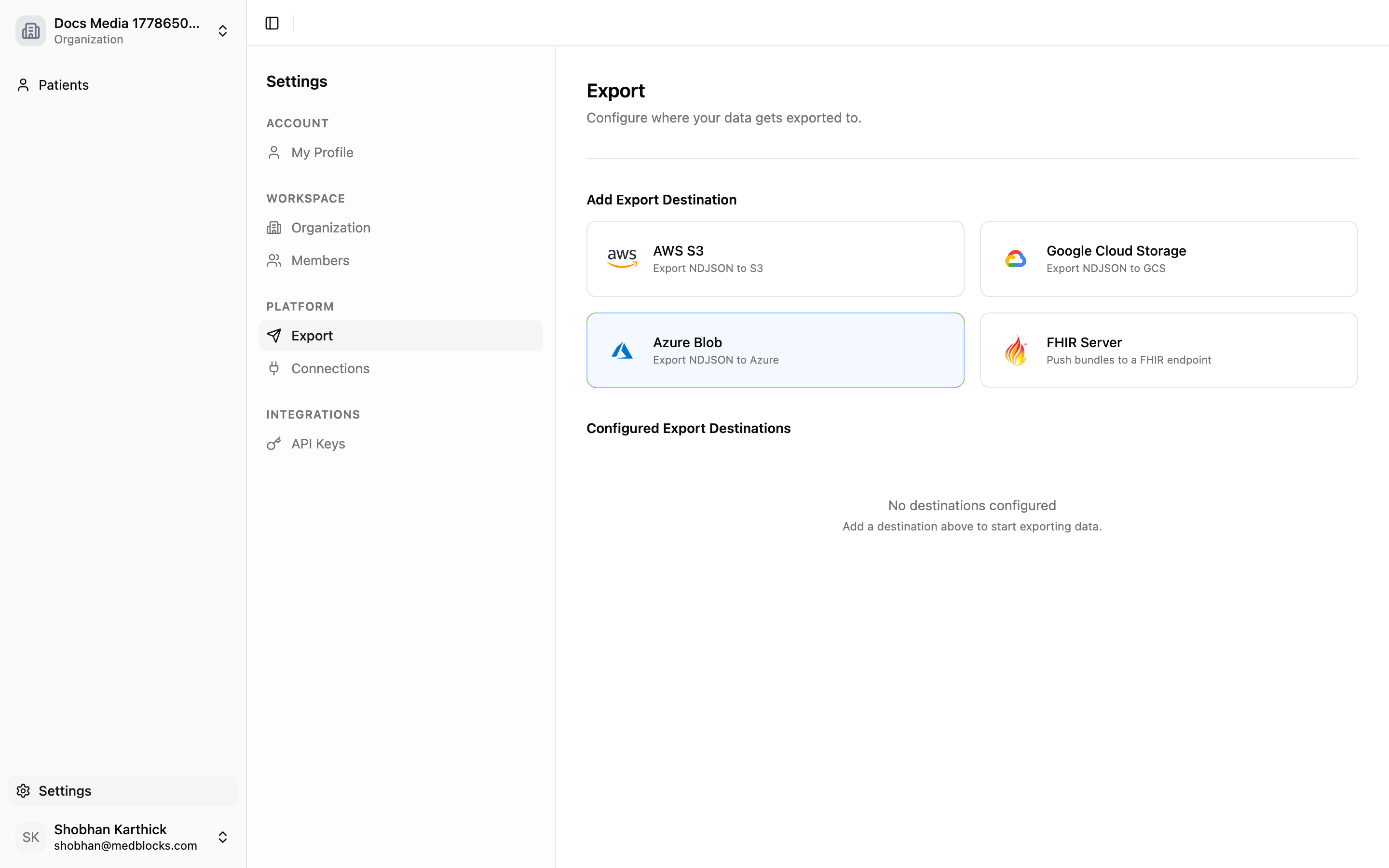
Export is the delivery layer after data has entered Medblocks. Connect brings data in, background pull keeps it current, and Export sends the data to the systems where your team works.
There are two main destination types today:
- FHIR Server: Medblocks writes FHIR R4 resources to a destination FHIR base URL.
- Object storage: Medblocks writes NDJSON or zipped NDJSON to S3-compatible storage, GCS, or Azure Blob.
Export setup is managed from the dashboard today. It is not part of the public REST API.
Background Pull Comes First
When a patient completes a Connect Session, Medblocks creates an active connection and schedules FHIR retrieval jobs. Those jobs pull supported resources from the source using the stored token.
The pull runs in the background because real portals can return thousands of resources, slow paginated responses, or partial resource support. Your app should treat Session completion as access granted. The records continue landing after that.
Once a pull settles, Medblocks can trigger exports for enabled destinations in that organization.
Export Model
An export destination stores:
| Field | Purpose |
|---|---|
| Destination name | Human-readable label in the dashboard. |
| Destination type | FHIR Server or object storage. |
| Credentials | Stored server-side and used only by export jobs. |
| Enabled state | Disabled destinations are skipped. |
| Last exported time | Watermark for delta exports. |
Each export execution creates an export run. Runs track destination, status, trigger, patient counts, resource counts, start time, completion time, and error details.
Triggers
Exports can start from these events:
| Trigger | Behavior |
|---|---|
| Destination added | Runs a first backfill for that destination. |
| Pull completed | Sends new or changed data after patient data has landed. |
| Destination reactivated | Catches up from the previous watermark. |
| Manual retry | Reprocesses failed items from a failed or partial run. |
Each destination runs independently. One destination can fail without blocking another.
FHIR Server Export
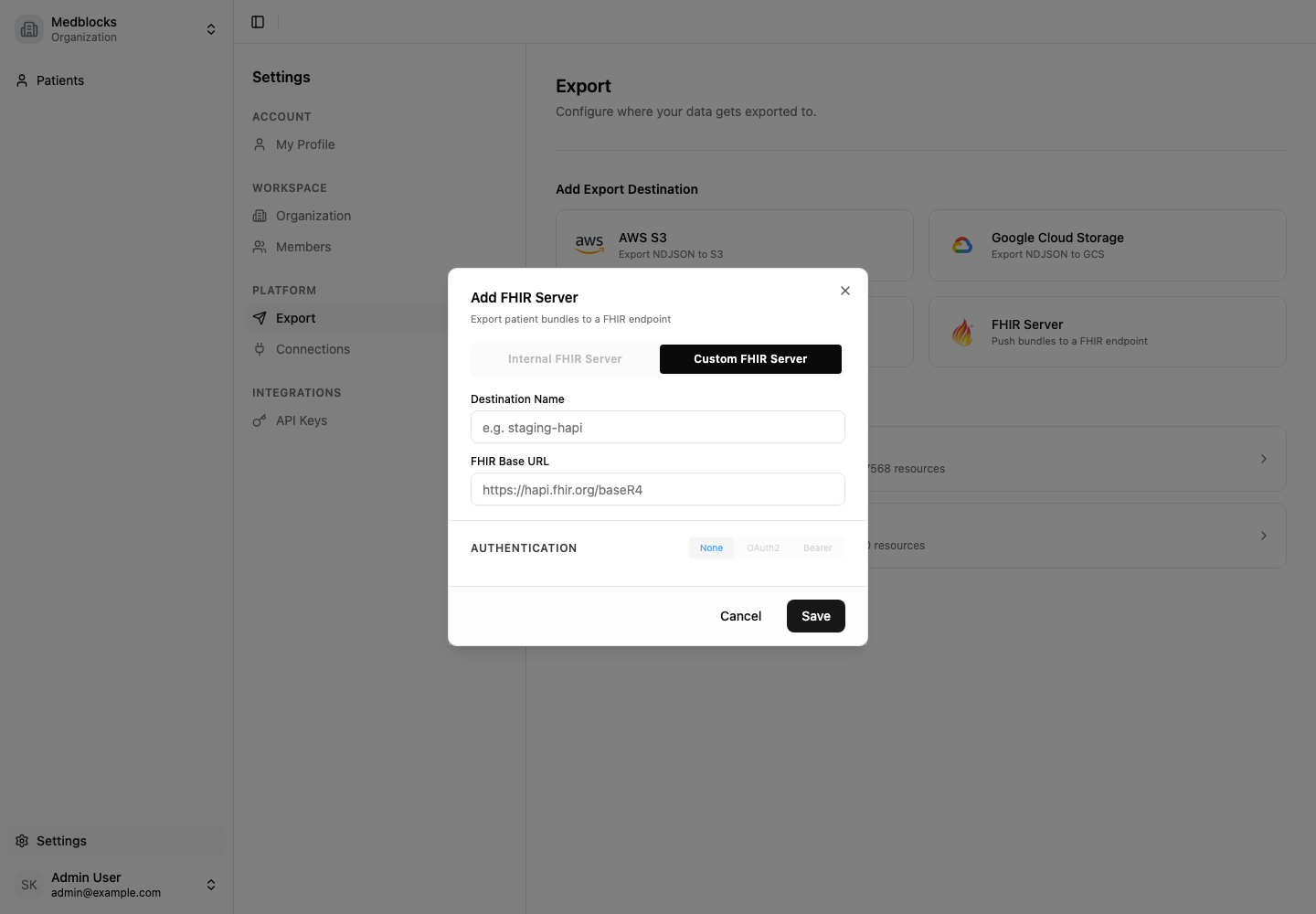
FHIR Server export is for teams that want Medblocks to push records into an R4 server they operate or use downstream.
The destination needs:
- FHIR base URL.
- Auth type: no auth, bearer token, or OAuth 2.0 client credentials.
- Token endpoint, client ID, client secret, and optional scope when OAuth 2.0 is used.
Medblocks tests the destination before saving it. After save, it creates a backfill run. Later pulls send fresh data as deltas.
See the dashboard walkthrough: Export To FHIR Server.
Object Storage Export
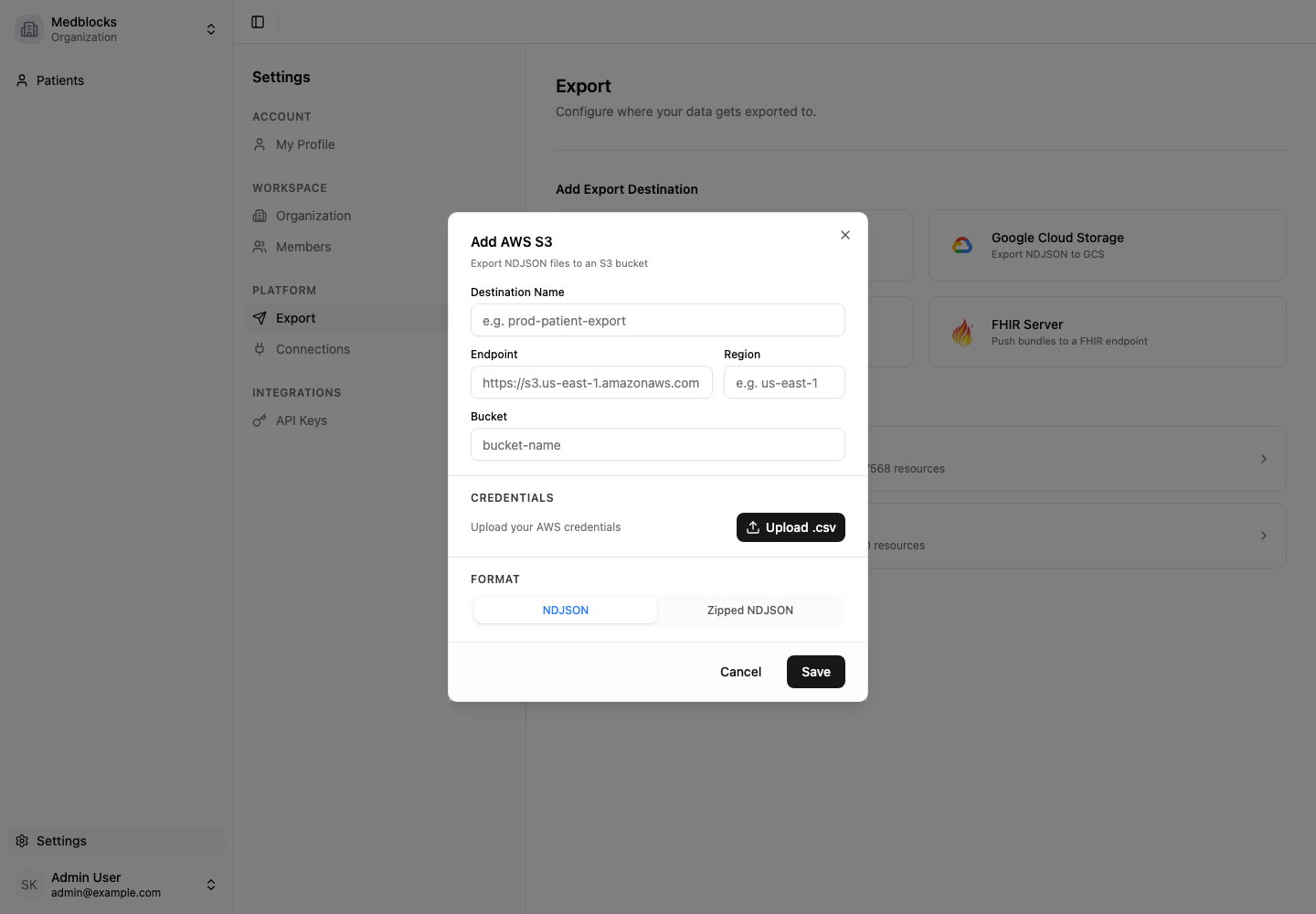
Object storage export is for teams that want files in a bucket for ingestion into a warehouse or lakehouse.
The destination needs:
- Cloud vendor.
- Endpoint and region.
- Bucket name.
- Access key and secret.
- File type: NDJSON or zipped NDJSON.
The export writes patient data as files and records each file as an export item. S3-compatible storage is supported through the same destination form.
See the dashboard walkthrough: Export To S3.
Monitoring And Retries
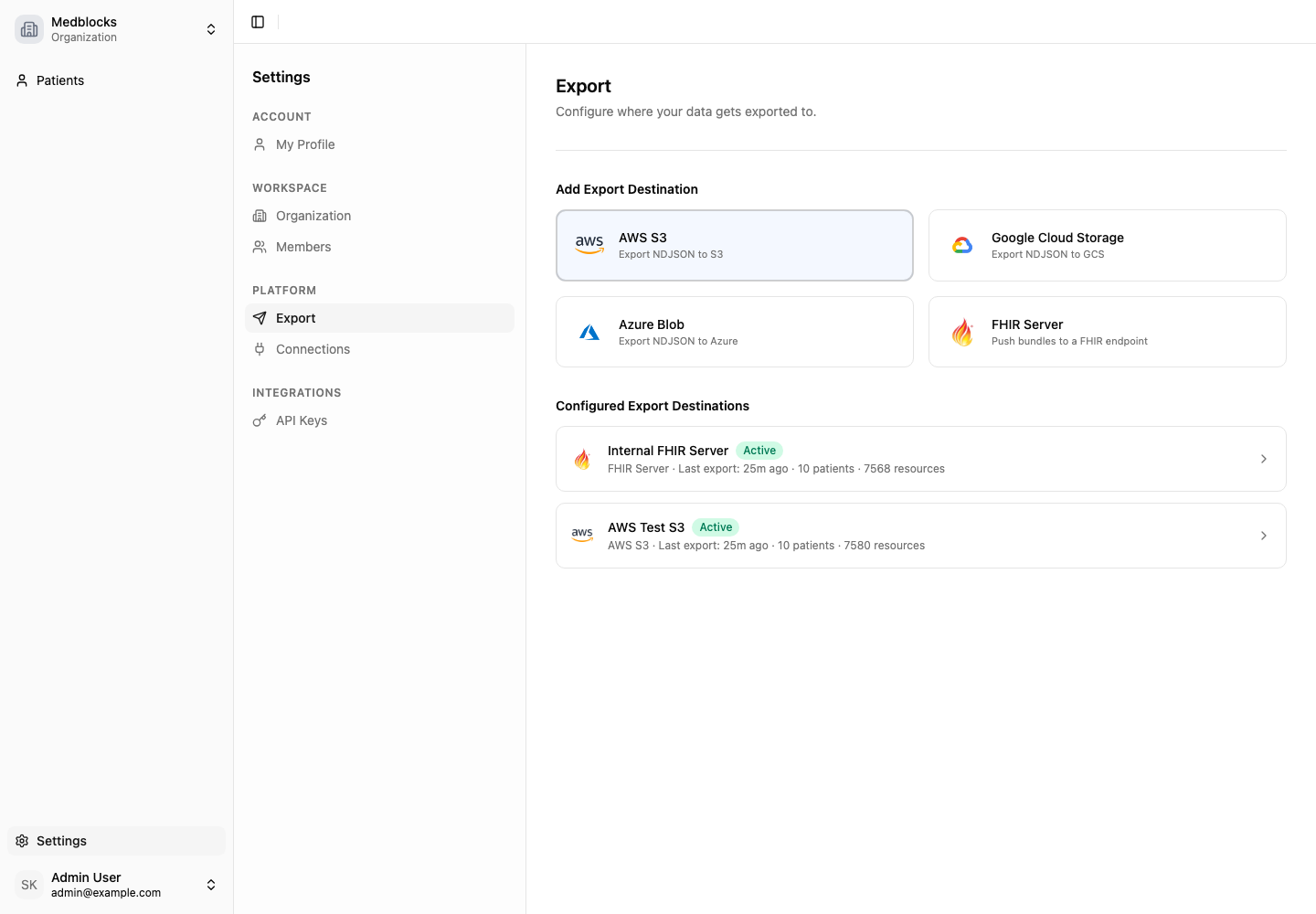
The dashboard shows configured destinations, active progress, last successful run, failed runs, and retry actions.
Use the destination detail page when you need to answer:
- Did the latest pull export?
- Which destination failed?
- How many patients or resources were delivered?
- What error did the destination return?
- Is a retry available?
If a run is partial, retry only the failed work. If a destination is disabled, Medblocks keeps its watermark so reactivation can catch up.
Related Guides
- Read Background Pull to understand what happens after authorization.
- Read Export To FHIR Server for the FHIR Server setup.
- Read Export To S3 for object storage setup.